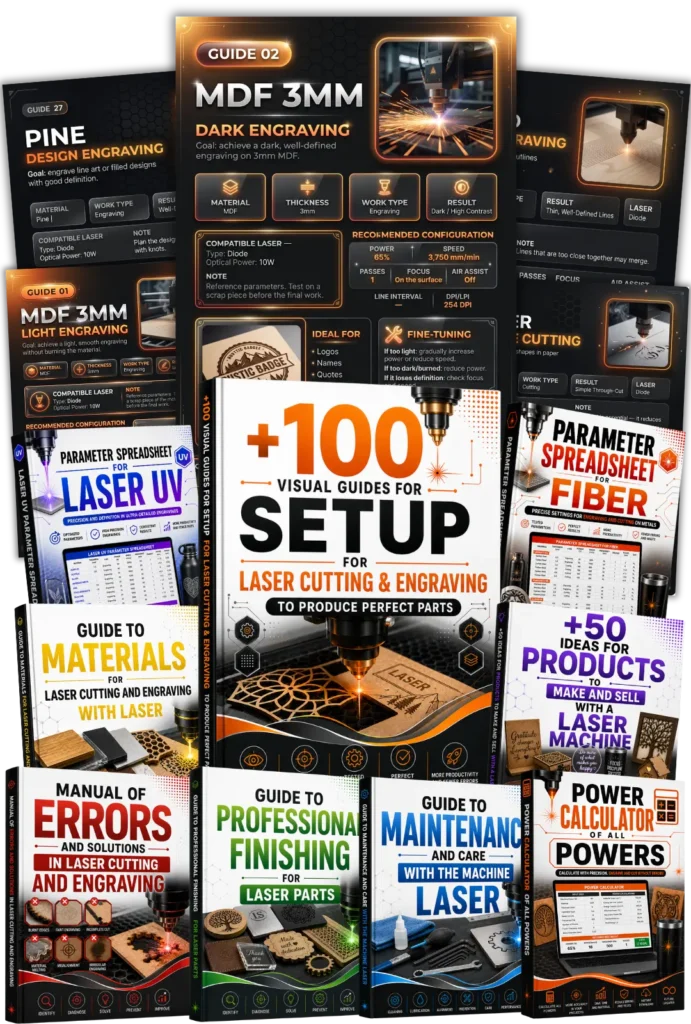
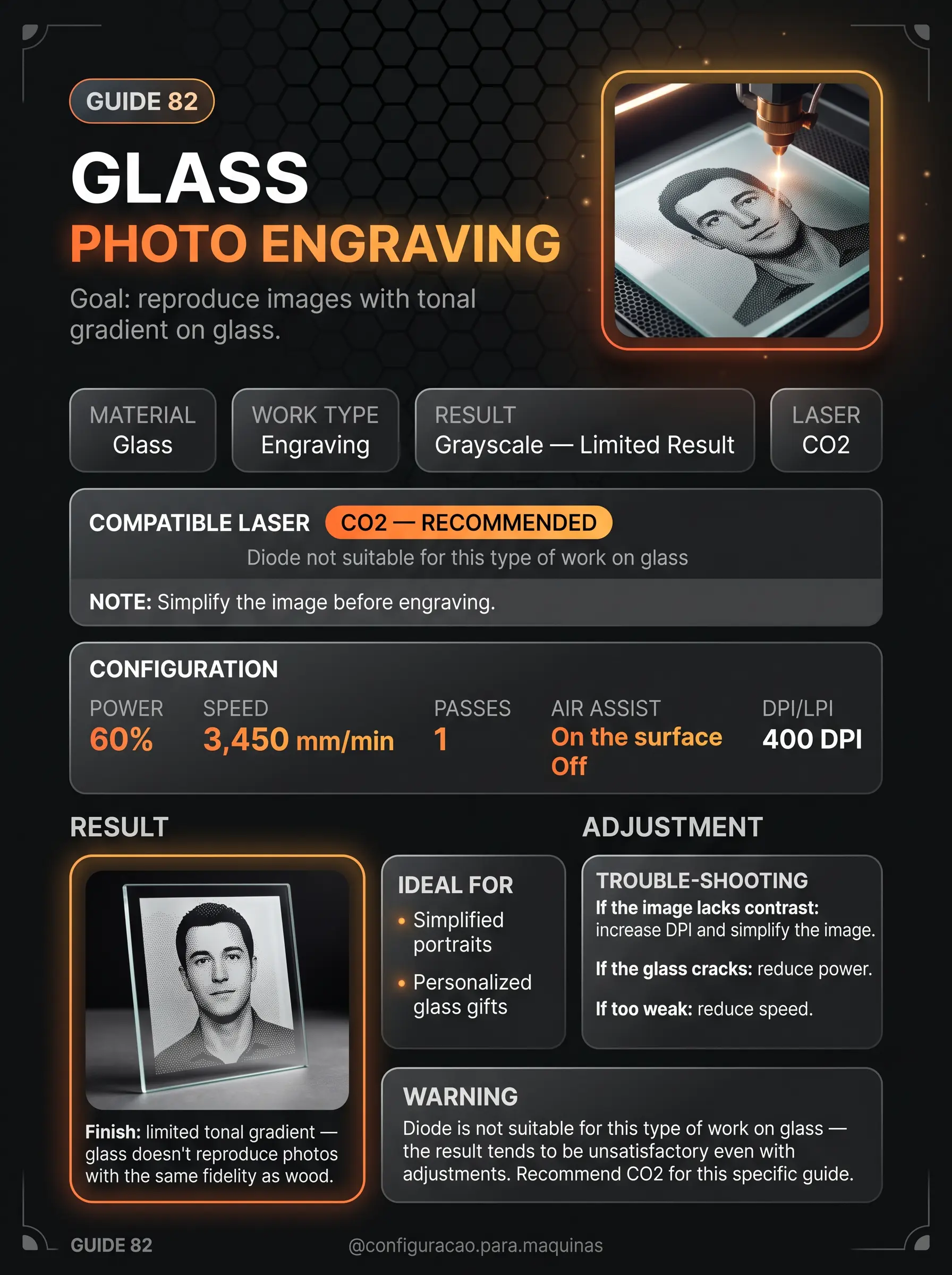
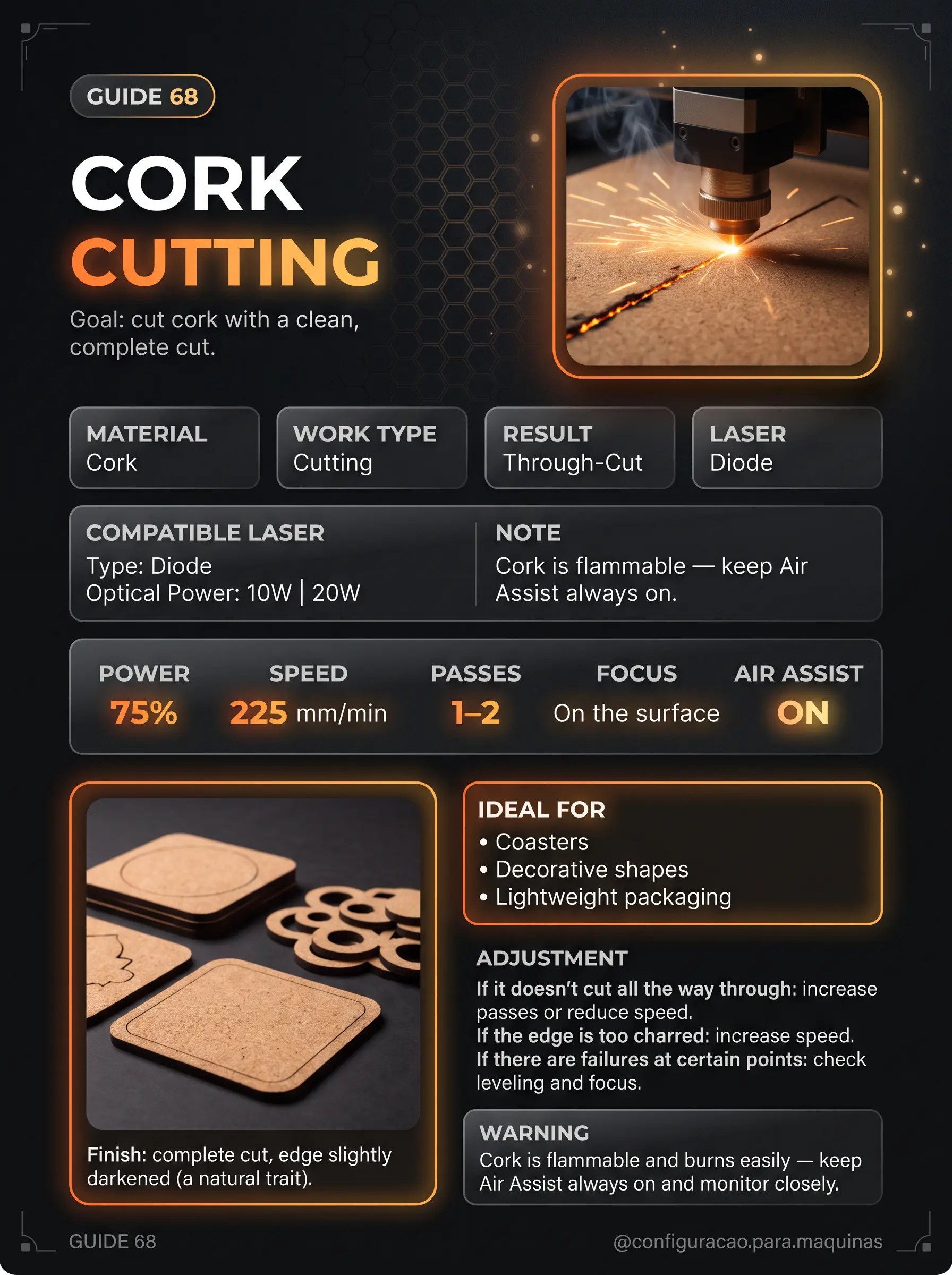
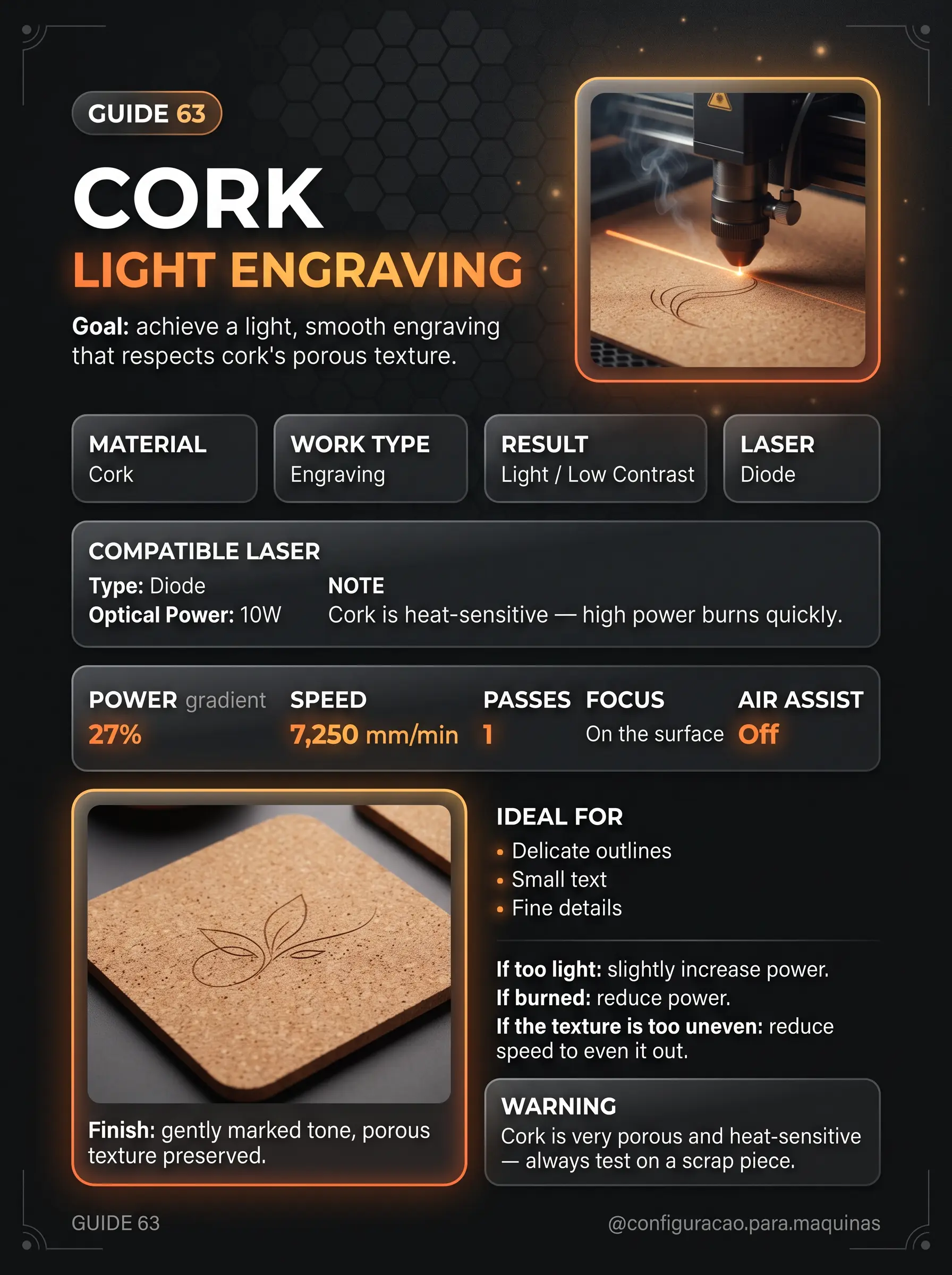
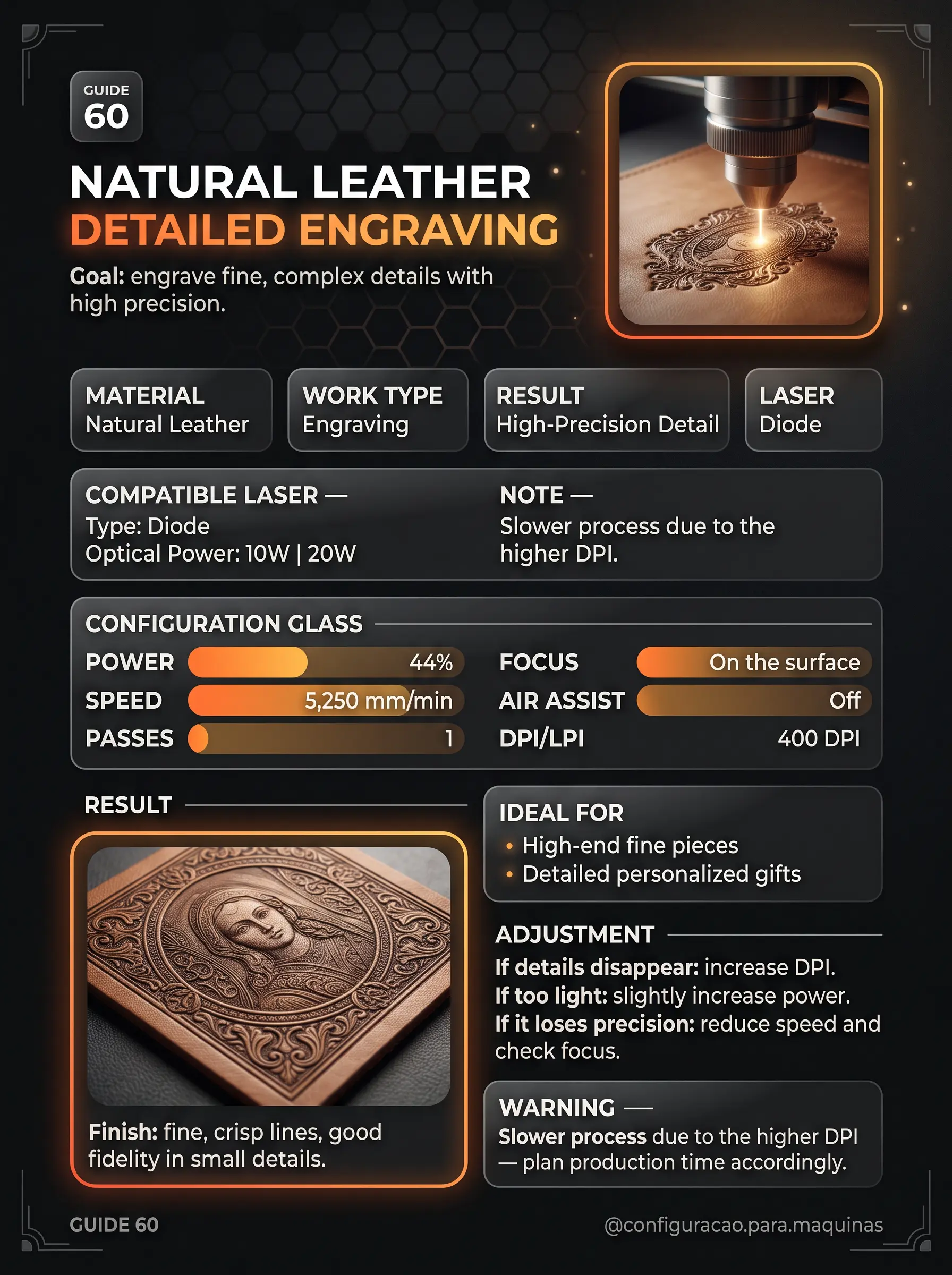
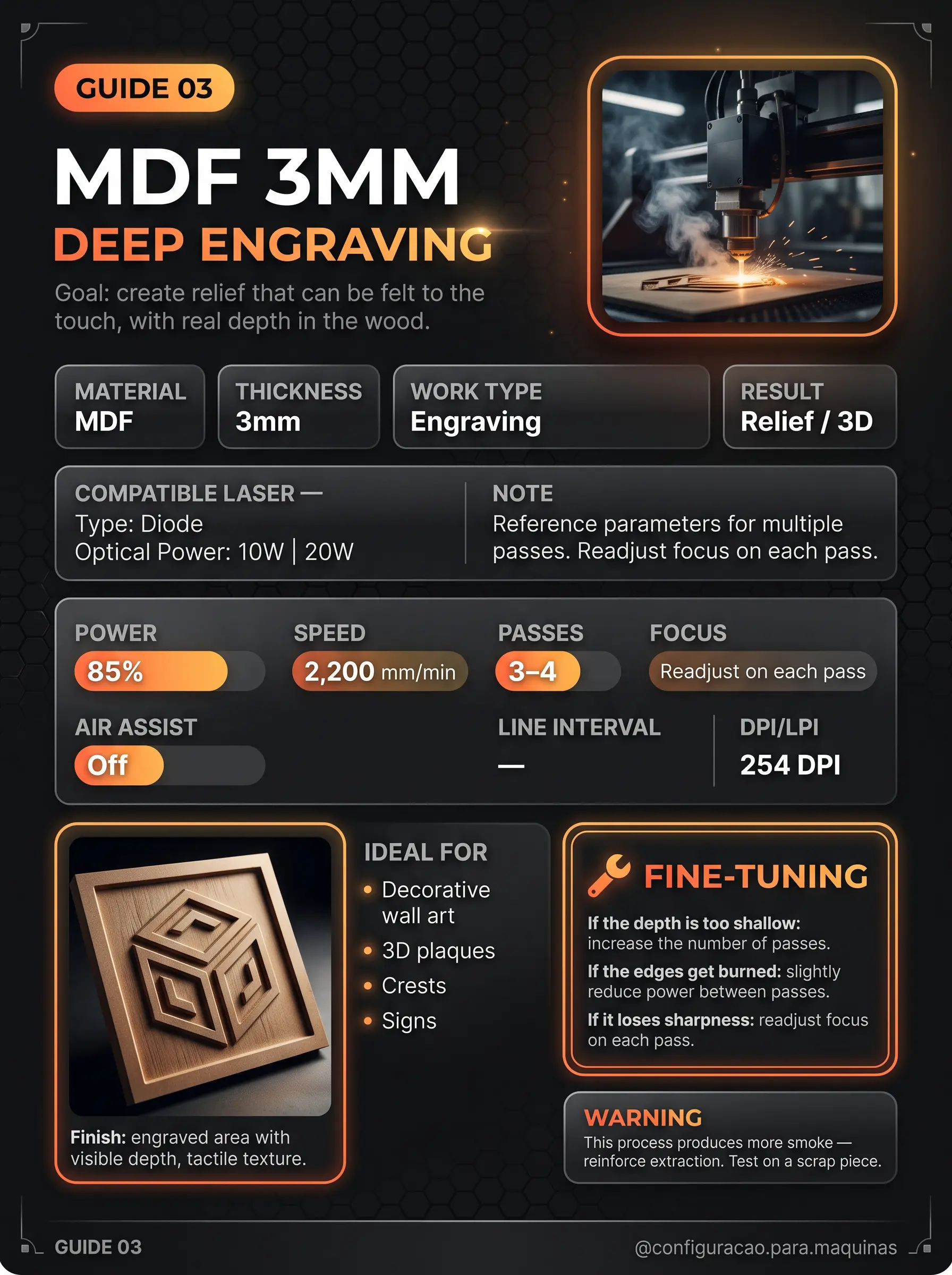
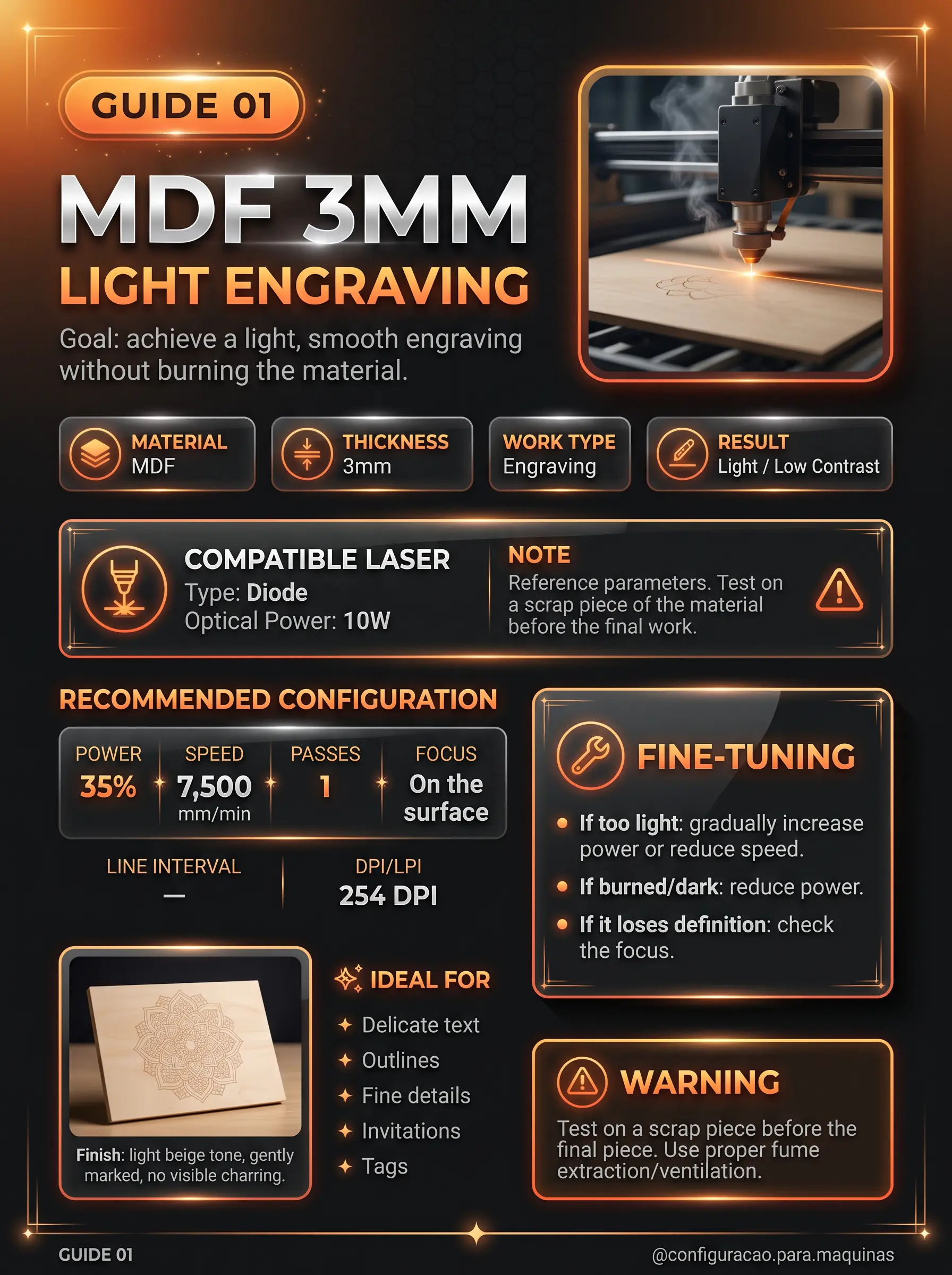

Get access to 100+ Visual Setting Guides for Laser Cutting & Engraving with reference settings based on material, thickness, type of job, and your machine’s specifications — so you can start every new project with a much clearer direction.

Instead of wasting multiple pieces trying to figure out the right settings from scratch, start your tests using reference settings for that specific material and type of job.

No more opening multiple videos, digging through groups, or saving scattered information just to figure out what power and speed someone else used. Keep your own organized library ready whenever you need it.

Power? Speed? Passes? Focus? Check the settings available in the corresponding guide and get a much clearer starting point for testing on your own machine.

MDF, wood, plywood, compatible acrylic, leather, cork, paper, cardboard, and other materials suitable for laser machines. Find references for both cutting and engraving, depending on the guides available for each application.

Engraving too light? Too dark? Incomplete cut? Too many burn marks? The settings and recommendations help you better understand which adjustments to consider when fine-tuning your results.

You’ll still perform the necessary tests for your specific machine and material — but you won’t have to start completely in the dark. With an organized reference at hand, it becomes much easier to make decisions while setting up your machine and repeat settings that worked well.

You don’t need to keep starting from scratch every time you change the material, thickness, or type of job.
Keep a reliable reference by your side when setting up your machine and spend your time producing — not searching dozens of places for answers.

Working with a different material or project? Instead of wondering which power, speed, or number of passes to test first, check an organized reference for that situation and start with much clearer direction.

If you’ve ever wasted MDF, wood, leather, or other materials because the cut didn’t go all the way through or the engraving didn’t turn out as expected, these guides give you reference settings to start from and help reduce blind trial and error.

Maybe you’ve been there before: you watch one video, search another, ask in a group... and you’re still not sure whether those settings actually make sense for your machine. Now you’ll have an organized library you can consult while you work.

Instead of simply copying a number you found online, use references that consider factors such as material, thickness, type of job, and equipment specifications.

Start your tests with a more targeted reference and better understand what you can adjust to achieve cleaner cuts and lighter, darker, or more defined engravings depending on the result you want.

Whether you’re a beginner or already work with a laser machine, keep a reference library by your side so you don’t have to rely only on memory, scattered information, or trial and error every time you need to create something new.
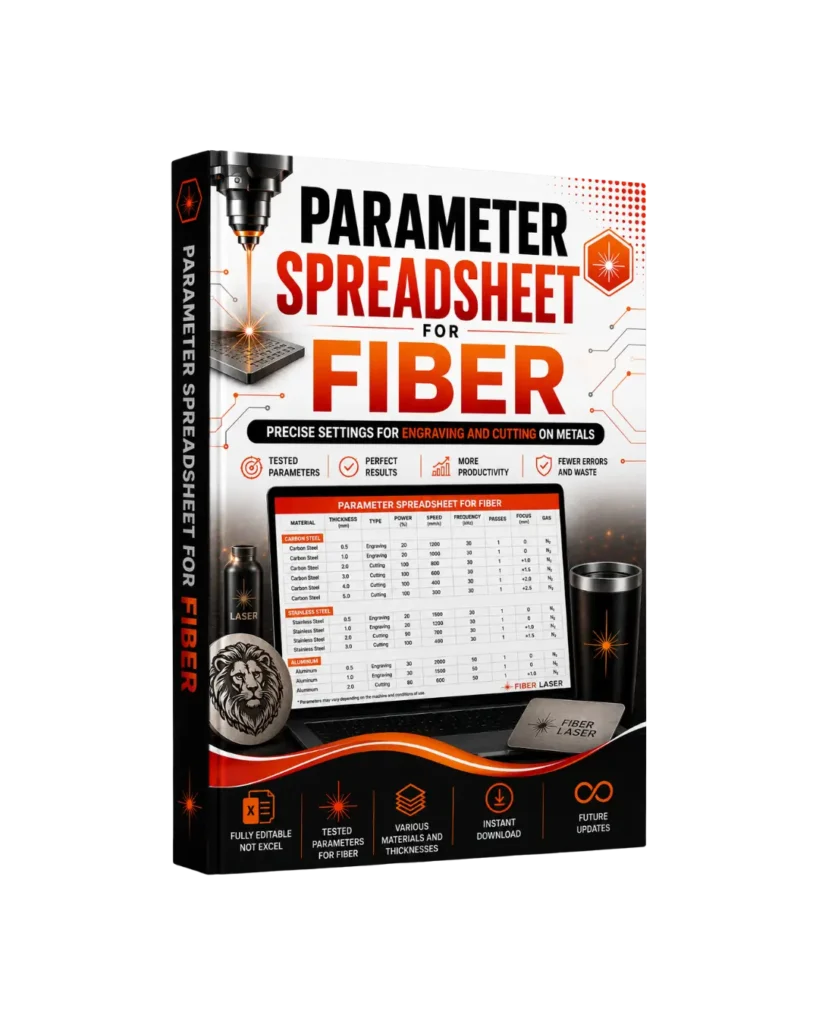
Get a practical spreadsheet with reference settings for different metals, compatible materials, and Fiber Laser marking applications.
Check settings such as power, speed, frequency, and number of passes to make machine setup easier, reduce testing, and achieve more consistent results.
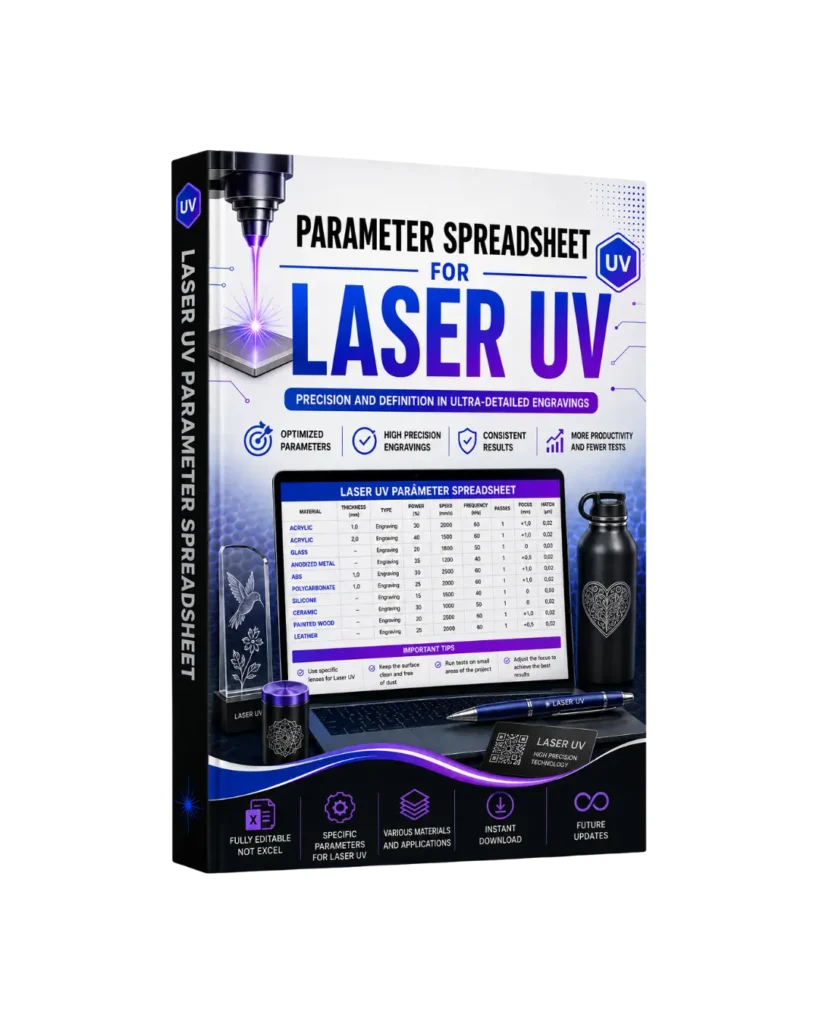
Get a practical spreadsheet with reference settings for different materials and UV Laser marking applications.
Check settings such as power, speed, frequency, and number of passes to make machine setup easier, reduce testing, and achieve more consistent results.
Get a practical spreadsheet to check and adapt settings based on your laser machine’s power, making it easier to compare configurations and helping you find a more suitable starting point for your equipment.
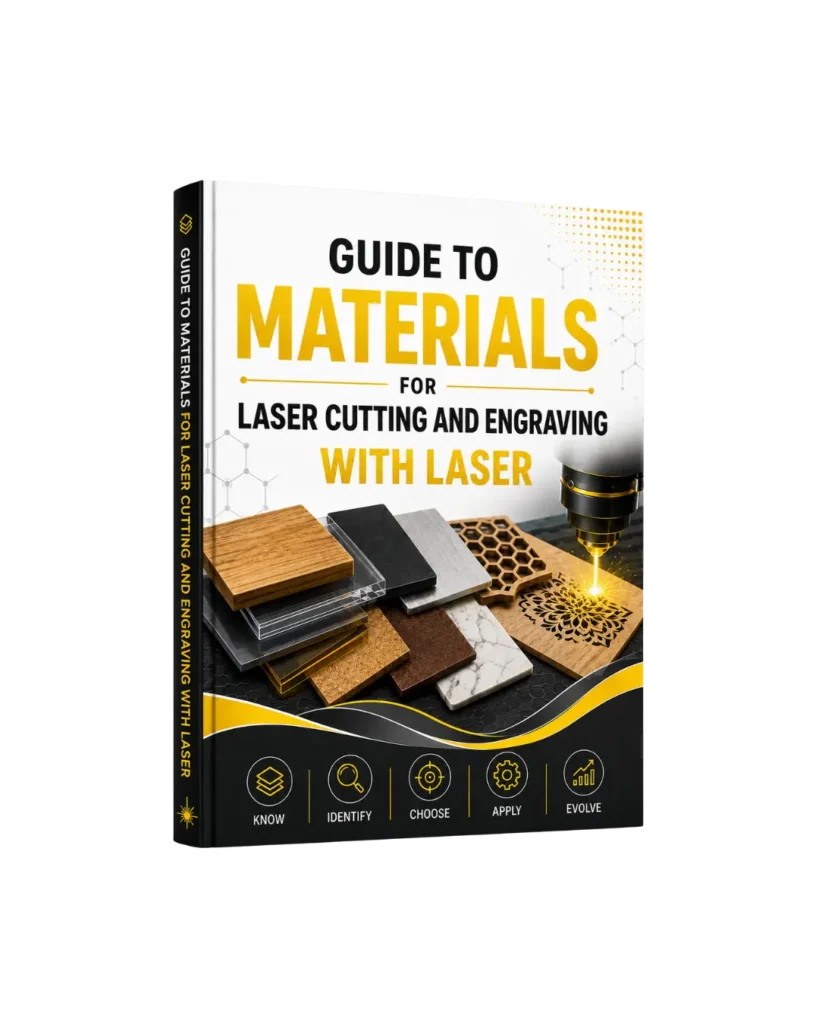
A visual guide covering the main characteristics, differences, and handling considerations for laser cutting and engraving materials, helping you choose the right material and better understand what you’re working with before setting up your machine.
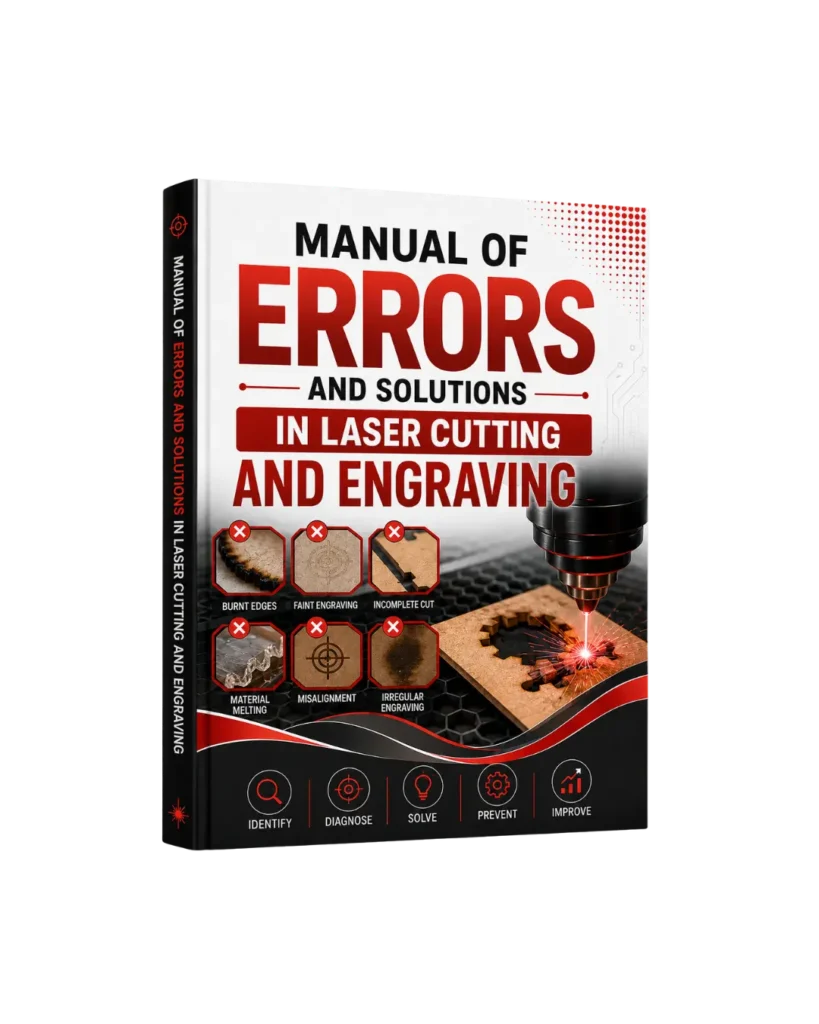
A practical guide to identify common laser cutting and engraving problems, understand what may be causing them, and know which settings to check when a piece gets burned, the engraving is too faint, marks appear, or the material doesn’t cut properly.
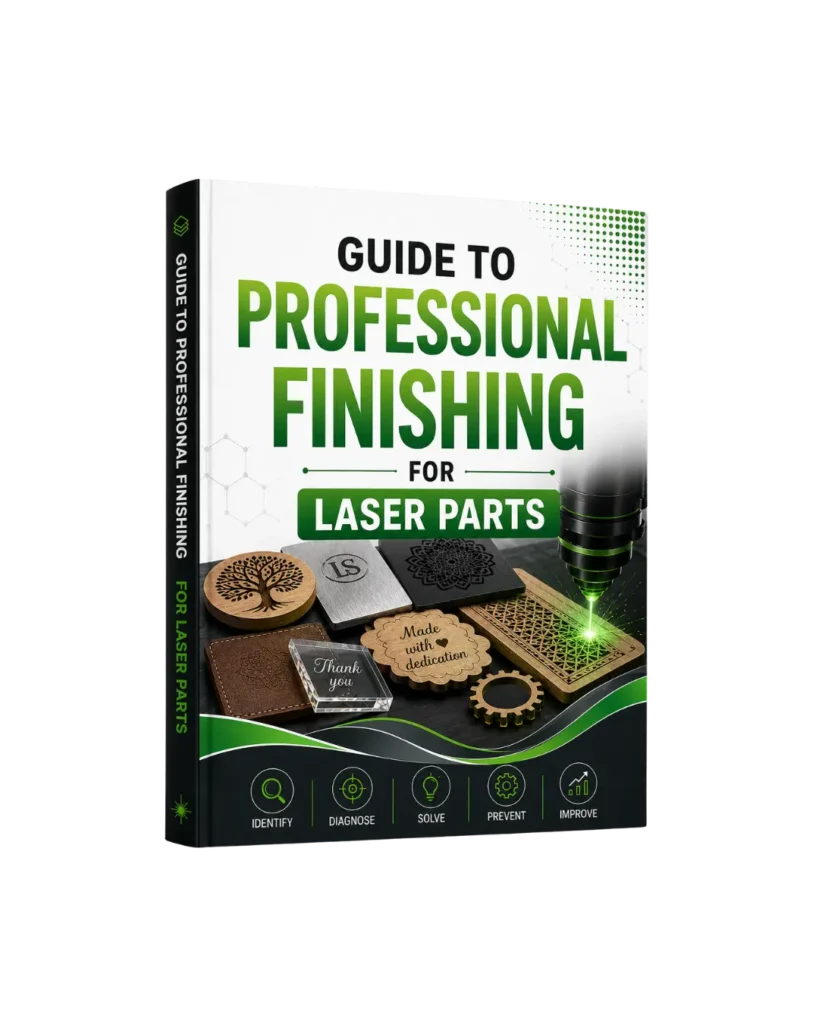
A practical guide covering finishing techniques after laser cutting and engraving, including cleaning, treating marks, and preparing your pieces for a cleaner, more polished, professional finish.
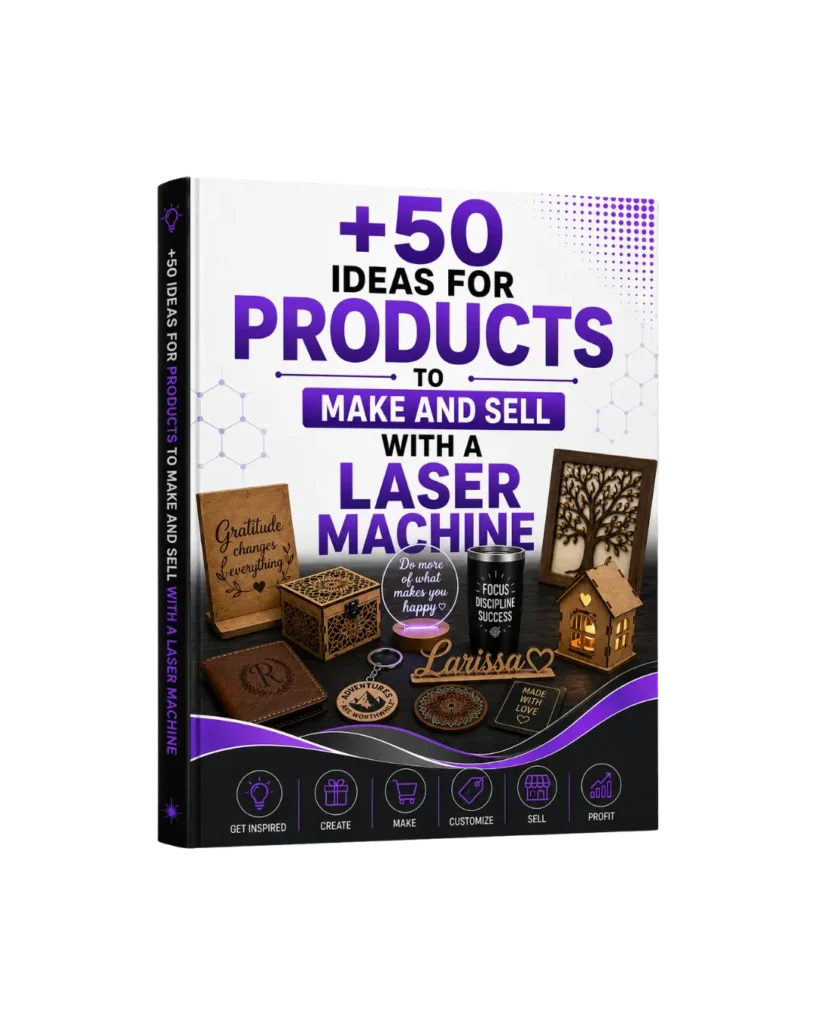
A collection of 50+ product ideas you can create with your laser machine, including signs, decorations, keepsakes, religious products, wedding items, BBQ accessories, pet products, and much more — helping you expand your catalog and discover new products to sell.
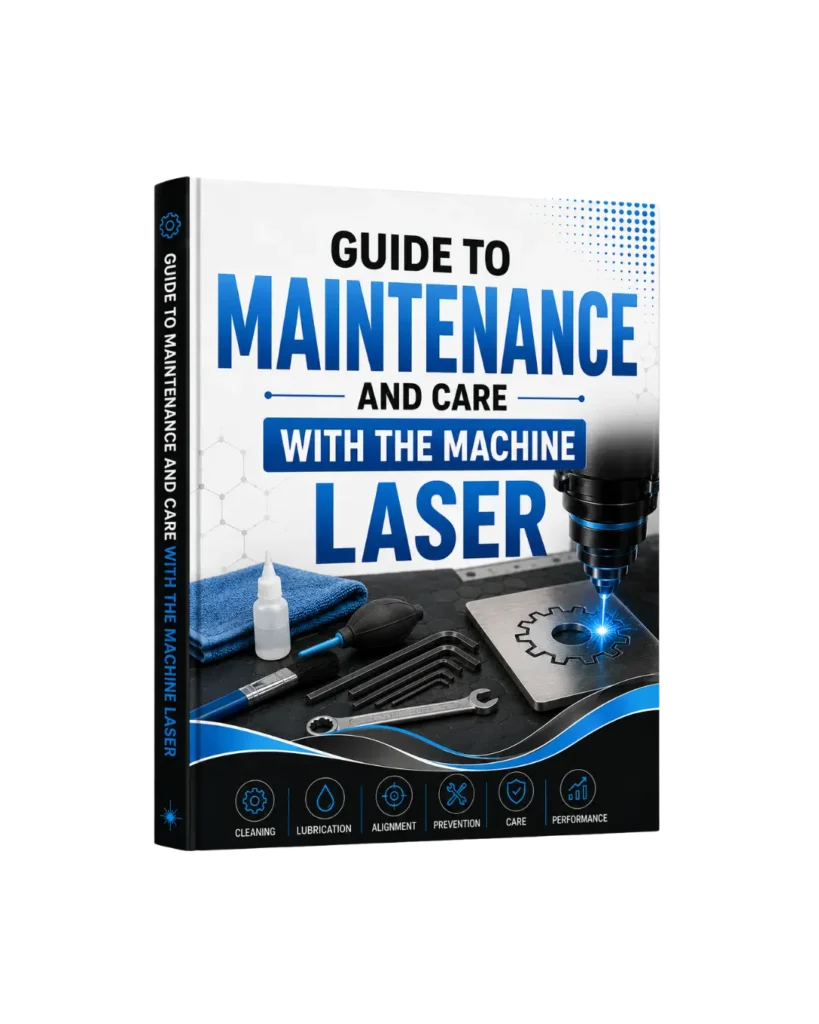
A practical guide covering cleaning, inspection, lenses, optics, ventilation, and laser machine maintenance, helping you take better care of your equipment and keep it in good working condition.
de $97,00 por:
One-Time Payment
Get access, explore the material, and see if it’s truly useful for your work.
You don’t have to decide blindly.
After your purchase, you’ll have a 7-day guarantee to access the 100+ Visual Setting Guides for Laser Cutting & Engraving and explore everything included.
If, within this period, you feel the material doesn’t meet your expectations, you can request a refund according to the guarantee terms.
This way, you can explore the entire library and see how it can help with your laser cutting and engraving workflow with complete peace of mind.
Get access. Explore it. And enjoy a 7-day guarantee.
Not necessarily — and this is an important distinction.
The guides provide reference settings based on factors such as material, thickness, type of job, and equipment specifications.
Because machines, materials, and production conditions can vary, you should use the suggested settings as a starting point for testing and making the necessary adjustments on your own machine.
Yes. The goal is precisely to make things easier for anyone who still has questions about power, speed, number of passes, focus, and other settings.
Instead of having to figure everything out on your own, you’ll have organized references to help you understand where to start with each test.
Yes. Even experienced users can benefit when working with a different material, thickness, or type of job and need to quickly find a reference without starting their research from scratch.
The library covers a variety of materials suitable for laser equipment, which may include MDF, different types of wood, plywood, compatible acrylic, leather, cork, paper, cardboard, glass, slate, coated materials, and more, depending on the available guides.
Always check whether a material is compatible with your specific equipment and follow your machine manufacturer’s recommendations.
Yes. The library focuses on laser cutting and engraving, providing references for the different materials and types of jobs covered.
Depending on the material and application, the guides may include information such as material, thickness, laser type and power, reference power, speed, number of passes, focus, resolution or line interval, Air Assist, expected result, and recommendations for testing and fine-tuning your settings.
You can find plenty of information about laser settings in videos, groups, forums, and other online resources.
The advantage of this library is that you won’t have to search, compare, and organize all that information every time you work on something different.
The product is 100% digital.
You can access the materials from your phone, tablet, or computer, making it easy to consult the guides even while you’re working with your machine.
Yes. You’ll have a 7-day guarantee to explore and evaluate the material.
If you decide within that period that the product doesn’t meet your expectations, you can request a refund according to the guarantee terms.
Full access costs $19.90.
You’ll receive the 100+ Visual Setting Guides for Laser Cutting & Engraving for Perfect Results plus 5 bonuses:
Bonus #1: Laser Cutting & Engraving Materials Guide
Bonus #2: Laser Cutting & Engraving Troubleshooting Guide
Bonus #3: Professional Finishing Guide for Laser-Cut & Engraved Pieces
Bonus #4: Laser Machine Maintenance & Care Guide
Bonus #5: 100+ Product Ideas to Make & Sell With a Laser Machine
All rights to the work “100+ Visual Setting Guides for Laser Cutting & Engraving for Perfect Results” are reserved by 100+ Visual Setting Guides for Laser Cutting & Engraving for Perfect Results, in accordance with Brazilian Law No. 9,610/98 (Brazilian Copyright Law).
Unauthorized reproduction of this publication, in whole or in part, by any means constitutes copyright infringement (Article 184 of the Brazilian Penal Code and Law No. 9,610/98) and may result in civil and criminal penalties as provided by applicable law.